Someone visited your website. They clicked around. Maybe they even added something to their cart, explored features.
And then… they left. No purchase, no sign-up.
If you’re running a business, this happens every single day. And it can feel frustrating, especially when you know they were this close to converting into customers.
But here’s the good news: just because someone didn’t buy the first time doesn’t mean they’re gone forever. That’s where email retargeting steps in.
Instead of chasing new traffic all the time, email retargeting focuses on the people who already showed interest. The ones who opened your emails but didn’t click. The ones who browsed a product page but didn’t check out. The ones who signed up… and then went quiet.
With the right message sent at the right moment, you can remind them why they came in the first place and give them a reason to come back.
In this guide, we’ll break down step by step how email retargeting works, and how to craft emails that feel helpful instead of pushy.
So first, let’s start with the basics
What Is Email Retargeting?
Email retargeting is simply the practice of reaching out again to people who have already interacted with your business but didn’t take the final step.
Maybe someone visited your pricing page and left.
Maybe they added a product to their cart but got distracted.
Maybe they opened your email, read it halfway, and never clicked.
Instead of treating that as a lost opportunity, email retargeting gives you a second chance to continue the conversation. It’s not about spamming reminders. It’s about context. You’re not emailing random strangers. You’re writing to people who already showed interest. That small detail changes everything. Because now your message can be specific, relevant, and timely.

For example, if a subscriber hasn’t opened your emails in months, a simple “Still interested?” message can re-engage them. If someone browses a category multiple times, you can share related products or helpful content.
In short, email retargeting uses customer behavior, clicks, visits, purchases, and inactivity to send smarter, more personalized emails.
Now the real question is: what kinds of retargeting emails can you actually send? Let’s break down the most effective types of email retargeting campaigns businesses use to bring people back and drive action.
Read more: Win-Back Email Campaigns: Make Your Customers Fall in Love Again!
Types of Email Retargeting Campaigns
Not all retargeting emails are the same. Different situations need different messages. The goal is simply to remind people why they were interested in the first place and make it easy for them to come back. Let’s start with one of the most powerful types.
1. Abandoned Cart Emails
Abandoned cart emails are sent to people who added products to their cart but didn’t complete the purchase. This usually happens because they got distracted, started comparing prices, faced unexpected shipping costs, or simply wanted more time to decide.
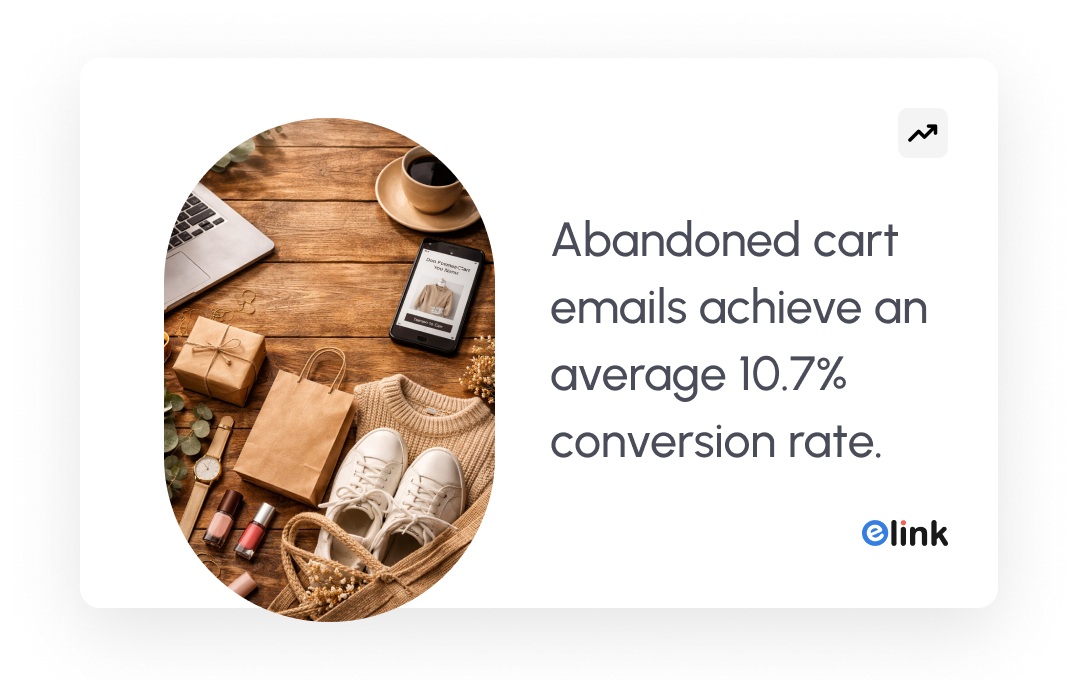
For example, an online fashion store notices that many shoppers leave after adding items to their cart. Here, you can send a reminder email within 2–3 hours with retargeting email subject lines, “Still thinking about this?” along with the product image and a direct checkout link.
2. Browse Abandonment Emails
Browse abandonment messages are sent to those who browsed a particular item or page on your site without buying anything. An effective browse abandonment email displays the products an individual has looked at, occasionally recommends other products, and gives a clear call-to-action, such as “Take another look” or “See more styles”.
For example, someone visits a project management tool’s website and spends time reading about its task automation feature. They explore the page, scroll through the benefits, maybe even check the pricing, but leave without signing up.
A few hours later, you can send an email retargeting those customers with subject lines: “Still exploring task automation? Here’s a quick guide to see how teams use it daily.”

3. Inactive Subscriber Re-Engagement Emails
Inactive subscriber re-engagement emails are sent to people who haven’t opened your emails or interacted with your brand for a while. They once showed interest, maybe they subscribed to your newsletter or signed up for a free trial, but over time, they stopped engaging.
Instead of removing such subscribers immediately, you send a thoughtful email to bring them back.
A good re-engagement email feels personal. It acknowledges the silence, reminds them what they’re missing, and gives them a simple reason to return, whether that’s new features, fresh content, or a special offer.
For example, someone signed up for a newsletter a few months ago but hasn’t opened the last 10 emails. After noticing the inactivity, you can share an email that says: “We’ve added new features you might like. Want to see what’s new?”
The retargeting email briefly highlights one improvement and includes a clear button to explore the update. Sometimes, that gentle reminder is enough to restart the conversation.
4. Post-Purchase Retargeting
Post-purchase retargeting messages are in emails sent after one has already made a purchase with you. Most of the businesses just cease sales, yet that is where long-term growth starts.
These emails focus on keeping the relationship going. They can encourage repeat purchases, offer helpful tips, suggest related products, or simply make the customer feel valued.
A good post-purchase email doesn’t immediately try to sell again. First, it adds value. Then it gently introduces the next step.
For example, someone buys a premium subscription to a design tool. A few days later, you can share an email that says: “Getting started with your new plan? Here are 3 features you shouldn’t miss.”
This kind of email retargeting works because the customer already trusts you. Instead of chasing new leads, you’re building loyalty and increasing lifetime value.
Must read: Retention Emails: 10+ Examples + Writing Guide to Reconnect
5. Lead Nurturing Retargeting
Lead nurturing retargeting emails are emails that are sent to individuals who have been interested but have not yet purchased the product. Perhaps they downloaded a tutorial, registered a webinar or completed a form, but they did not end up becoming customers.
Such retargeting emails aim at creating trust in the long run. They do not push to make a sale, but inform, tell, and gradually bring the lead to a point of decision.
For example, someone downloads a free eBook about improving team productivity from a SaaS company’s website. A few days later, share an email that says: “Enjoyed the productivity guide? Here’s how teams are putting these ideas into action.”
The email includes a short case example and a link to explore the tool in more detail.
Step by step, these emails turn cold leads into warm prospects: without pressure, just consistent value.
Now that we’ve looked at the different types of email retargeting campaigns, let’s discuss some amazing strategies for email retargeting to win back lost customers.
Let’s break down email retargeting strategies in a simple way.
Best Email Retargeting Strategies That Bring Customers Back
Let’s explore the best strategies of email retargeting to win back the lost customers.
1. Understand How Users Interact With Your Brand
Everything begins with tracking how users are interacting with your brand.
Make sure that before you can retarget anyone know what they are doing on your webpage or what they are doing within your product. These are activities such as going to a pricing page, looking at a particular product, downloading a guide, or adding items to a cart or initiating a free trial.
Such tracking typically occurs when using tools like the Meta Pixel (Facebook Pixel), Google Ads tag, or even Google Analytics that track activity on websites. Most email marketing tools, such as Mailchimp, HubSpot, ActiveCampaign, and Klaviyo, also include built-in tracking. When you are using a CRM, you can also capture user behavior using tools such as Salesforce or Zoho CRM.
These systems use cookies or tracking scripts to record actions like page visits, clicks, downloads, or cart activity.
For example, if there is someone who visits your pricing page three times in one week but doesn’t sign up, that’s a strong signal of interest. Without tracking, you’d never notice this pattern. With tracking in place, your system can trigger a relevant follow-up email automatically.
In short, retargeting works great when you pay attention to behavior. The data tells you who to follow up with and why.
2. Segment Your Audience Based on Behavior
Not every visitor who interacts with your brand is the same, and your emails shouldn’t treat them that way.
Segmentation of the audience simply means breaking down your audience into smaller units in terms of what they (or did not do). You can create individual segments as you can, say:
- Individuals who were on the pricing page.
- Users who have added items to their cart but have not purchased.
- Those subscribers who have not opened emails within 30 days.
- Leads who downloaded a guide and never made a demo.
By grouping users this way, your emails become more relevant. Someone who abandoned their cart needs a reminder. Someone who only reads a blog post might need more educational content. Someone inactive may need a re-engagement email.
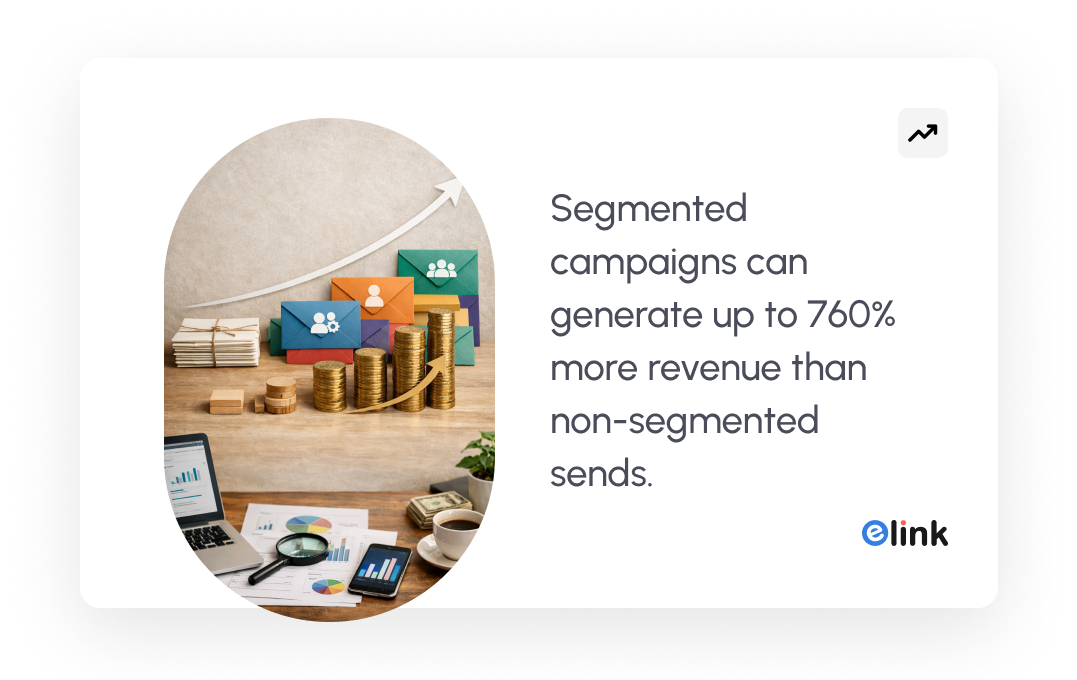
Most email tools like Mailchimp, HubSpot, ActiveCampaign, and Klaviyo allow you to create these segments automatically based on behavior rules.
Segmentation is where retargeting starts to feel personal. Instead of sending one message to everyone, you send the right message to the right group.
3. Personalize the Email Content
Personalization of emails isn’t just about adding someone’s first name to the subject line. It has to do with synchronizing the message with what the subscribers require. For example:
- In case a person watched a particular product, display that particular product in the email.
- In case they had visited your pricing page, discuss typical pricing queries.
- If they downloaded a guide, send related resources instead of a hard sales pitch.
Most email platforms like HubSpot, Mailchimp, ActiveCampaign, and Klaviyo allow dynamic content. This means the email automatically changes based on user behavior, product names, images, recommendations, or even entire sections can be adjusted for each person.
When an email feels like a continuation of what the user was already exploring, it doesn’t feel random. It feels helpful.
That’s what makes retargeting effective: the message fits the moment.
Check these: Best Email Subject Lines to Boost Your Open Rates! (Examples)
4. Focus on Value, Not Just Sales
Make sure that your emails do not sound salesy to your customers. Rather than just sharing sales-focused emails, share helpful guides, customer testimonials, product tips, or new updates to remind customers why your brand is worth revisiting. This helps rebuild trust and keeps the relationship warm.
5. Automate the Email Campaign
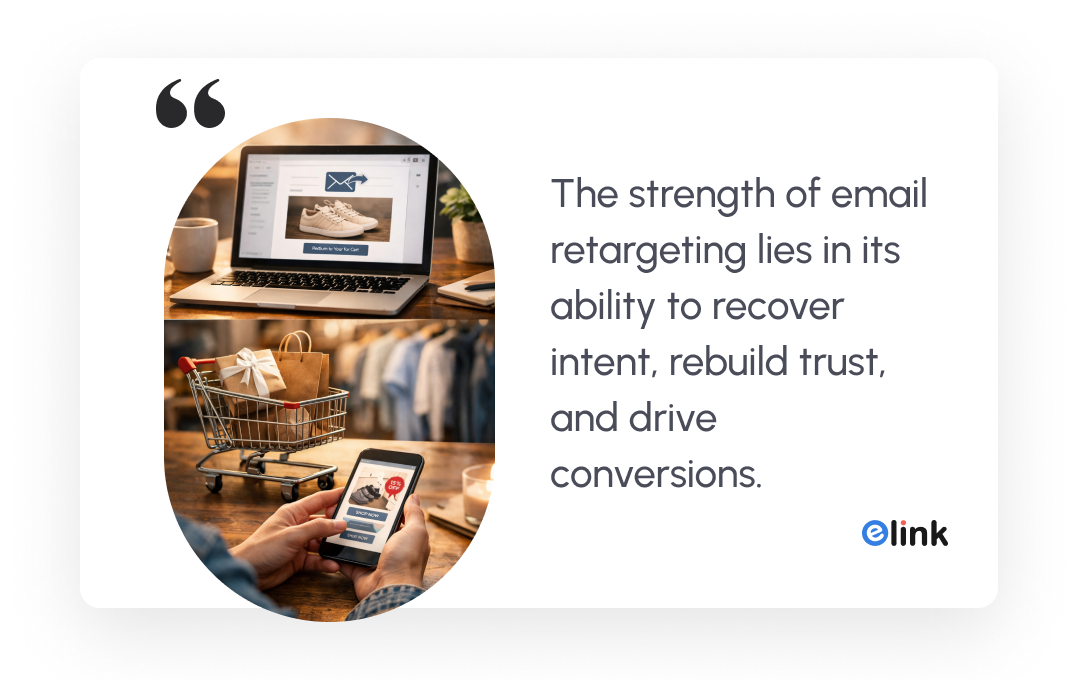
Instead of manually sending emails every time someone visits a page or abandons a cart, you create automated workflows for your retargeting emails. These workflows trigger emails based on specific actions.
For example:
- If someone leaves their cart → send a reminder after 2 hours.
- If they don’t respond → send a second follow-up after 24 hours.
- If a subscriber stays inactive for 30 days → trigger a re-engagement email.
Email tools like HubSpot, ActiveCampaign, Klaviyo, Mailchimp, and even CRM platforms allow you to build these automation sequences visually. You set the rules once, and the system handles the rest.
The best part about all this is that automation keeps your sending timing consistent. The email goes out when interest is still fresh, not days later when the user has already moved on.
When done properly, automation makes retargeting feel timely and natural, not forced or random.
By now, you understand the email retargeting strategies: track behavior, segment your audience, personalize the message, and automate the email campaign. But strategy alone isn’t enough. You also need emails that look clean, professional, and easy to engage with.
That’s where the right tool, like elink.io, makes a difference. Let’s explore elink.io in the next section.
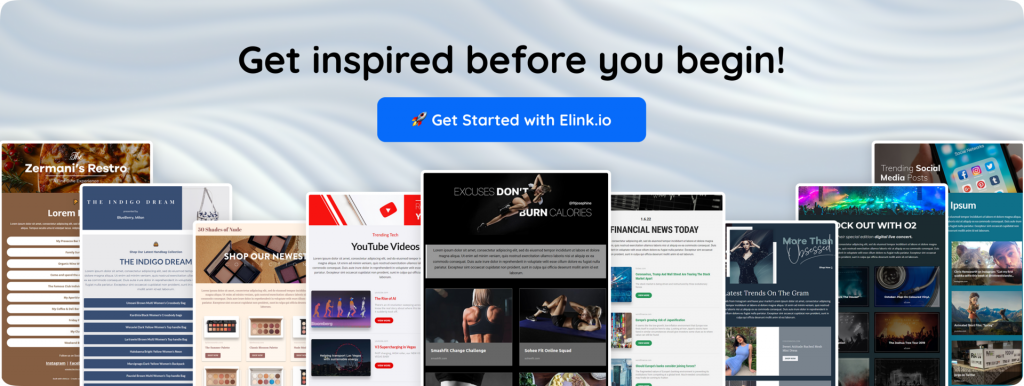
Create High-Converting Retargeting Newsletters with Elink.io
Elink.io is the smartest content curation tool that helps you gather links, turn them into beautiful content, and share that content easily. Instead of manually writing long emails or web pages, you just add web links (like articles, videos, or resources), and elink turns them into nice visual content you can share as newsletters, webpages, or embed anywhere.
In short, it makes content creation and sharing faster, simpler, and more professional, especially for newsletters and curated link collections.
Let’s explore the amazing features offered by elink.io.
1. Easy Email Newsletters
You can build beautiful email newsletters fast by adding just links. elink turns those links into visual blocks (with images and titles), so your newsletter looks great without design skills. You can send these newsletters through Gmail, Mailchimp, or any provider that accepts HTML.
2. Bookmark Manager
This aspect will allow you to store and categorize all your valuable links in a single location. You also have the opportunity to add tags, folders, and notes to avoid losing track of them. These saved links can later be used to create content.
3. RSS Feed Reader
You can follow unlimited RSS feeds (like blog feeds, news updates, and YouTube channels) right inside elink. Then you can pick articles from those feeds to add to your newsletters or web pages.
4. Content Automation
You can automate how your content is created and published. For example, you can choose sources (like certain feeds or bookmarks) and set a schedule. elink will then build and even send content automatically based on that schedule.
5. Beautiful Templates
elink offers 50+ nice layouts you can choose from. These layouts are responsive (they work on mobile and computers) and instantly make your content look professional.
6. Publish Anywhere
After you make your content, you can:
- Send it as a newsletter
- Share it as a single link
- Embed it on your website or blog
- Use it as a social bio link page
7. Team Collaboration
You can invite team members to work together inside elink. Everyone can save links, build content, and share ideas in the same workspace.
Instead of spending hours designing emails or web pages, you just add links, choose a layout, and share it all in minutes!
Let’s now look at some practical strategies you can use to turn those well-designed emails into real conversions.
Best Practices for High-Converting Retargeting Emails
The following is a short checklist that you can use to write retargeting emails that help to bring people back and convert them into sales:
- Write compelling subject lines
- Keep email copy short and benefit-focused
- Add urgency (without being pushy)
- Use social proof (reviews, testimonials)
- Include a clear CTA
- Optimize for mobile
- A/B test on subject lines and timing
When you follow these email retargeting best practices consistently, your retargeting emails won’t just be reminders to convert people back. They’ll become smart, strategic nudges that turn missed opportunities into real results.
Final Thoughts
A person visiting your website will not always be ready to make a purchase during the first visit. And that is alright.
People get busy. They compare options. They overthink. Sometimes they just need a little more time. Email retargeting respects that reality. It doesn’t chase, it reconnects.
When you send a thoughtful follow-up instead of a generic promotion, you’re showing that you were paying attention. You noticed what they looked at. You understood what they were interested in. And you cared enough to reach back out in a relevant way.
That’s what makes the difference. The goal isn’t to flood inboxes with reminders. It’s to send the right message at the right moment, whether that’s a gentle nudge, a helpful explanation, or a simple “We saved this for you.”
And to make that easier, you can use tools like elink.io to create clean, visually engaging newsletters for your retargeting campaigns. Instead of starting from scratch every time, you can quickly build personalized emails, add product links, share curated content, and send follow-ups that actually look professional and feel intentional.
If you approach email retargeting with clarity and empathy and the right tools to support you, it stops feeling like a recovery tactic and starts becoming a relationship builder.
And often, that second chance is all you need.
FAQs
Q. When should you send retargeting emails to lost customers?
You should send retargeting emails soon after a user shows intent but doesn’t complete an action. For example, send cart abandonment emails within a few hours, browse abandonment emails within 24 hours, and re-engagement emails after 30–90 days of inactivity.
Q. How is email retargeting different from remarketing?
Email retargeting uses email to reconnect with people who have already shared their contact details. Remarketing usually refers to paid ads shown to users on platforms like Google or social media after they visit your website.
Q. What are the best retargeting emails for inactive customers?
The most effective ones include cart abandonment emails, browse reminders, personalized product recommendations, special offers, and simple “We miss you” re-engagement emails with a clear reason to come back.
Q. How do you segment users for email retargeting campaigns?
Segment users based on behavior and engagement. As one example, make lists of cart abandoners, repeat buyers, inactive subscribers, frequent browsers, or those who clicked but did not buy. Your emails become more relevant and effective through behavioral segmentation.
Keep reading & learning 📚
- 7 Referral Email Ideas to Boost Your Brand Growth
- 35+ Email Marketing Best Practices You Need To Know Now
- Email Bounce Rates: 11 Proven Ways to Reduce Them Quickly
- Marketing Strategies to Take Your Business to the Next Level