
You send an important email, maybe to a client, a recruiter, or your boss. In that email, you’ve explained everything very clearly, kept the tone right… and then, at the last line, you type something like “Thanks” or “Regards” without thinking twice.
Well, a rushed “Thanks” or an awkward sign-off can undo the impact of everything you just wrote. But the right email closing can make your message feel complete, confident, and easy to respond to.
So, in this guide, you’ll learn how to close emails professionally in a way that actually feels natural, sounds human, and gets the response you’re hoping for.
Now, let’s break down what actually makes an email closing feel polished and professional.
How to Close an Email Professionally (Key Elements You Should Know)
A professional email closing is simply how you wrap up your message in a clear, polite, and thoughtful way. It’s not just about ending the email; it’s about making sure your message feels complete and easy to respond to.
A powerful email closing consists of a few important components that combine to create a powerful ending. These are:
- Closing line: A short sentence that wraps up your message or gently guides the next step.
- Sign-off: The word or phrase you use right before your name to end the email politely.
- Your name and details: Your name, and if needed, your role, company, or contact information.
- Next step (optional): A clear action you want the reader to take, if there is one.
So how do you use each of these email closings in the right way? Let’s break down closing phrases with examples for every part of a professional email closing.
Read more: Email Etiquette: 17 Important Rules To Write A Professional Email!
Best Professional Email Closing Lines
Now that you know the key parts of an email closing, let’s focus on one of the most important pieces: the closing line. This is the last sentence before your sign-off, and it helps guide the reader on what to do next.
Here are different types of closing lines you can use, depending on your purpose:
1. When You’re Expecting a Response
These are phrases to use when you are waiting to receive a reply or when you require your recipient to respond with feedback. Make it friendly and concise to ensure that the reader knows you’re looking forward to hearing from them.
- Looking forward to your response.
- I’d love to hear your thoughts.
- Please let me know your feedback.
- I look forward to hearing from you soon.
- Let me know what you think when you get a chance.
2. When You’re Requesting an Action
If you want the reader to do something specific, your closing line should clearly say that. This avoids confusion and saves time.

- Kindly share your availability for a quick call.
- Please confirm once you receive this.
- Let me know a convenient time to connect.
- Please review the document and share your inputs.
- Feel free to reach out if you need any clarification.
Read more: Reminder Email: How to Write It Professionally (Steps & Examples)
3. When You’re Wrapping Up or Ending Politely
There are moments when you simply feel like to wrap up your email in a warm and professional manner, particularly when no action is required. So, in this situation, you can use these phrases:
- I appreciate the support you provided me today.
- Appreciate your help on this.
- Thanks again for your assistance.
- It was great connecting with you.
- Wishing you a great day ahead.
Now, let’s look at some real-life examples of how you can close your email in different situations.

How to Close an Email Professionally: Examples
Now that you know what to write in a closing line, how to choose the right sign-off, and what to include in your signature, let’s see how it all comes together in real emails.
Here are a few practical examples for everyday professional situations:
In a Networking Message
I’d love to learn more about your experience and the role. Would you be open to a quick call next week? I’m available Monday through Wednesday between 9 a.m. and 2 p.m. EST.
Best,
Emily Carter
Marketing Student, Class of 2026
(123) 456-7890
After Sharing a Document or Proposal
The required document is attached to this email and you can have a look at it. Please review the enclosed document and provide your comments by Friday. If you have any other questions at all please do not hesitate to reach out.
Thanks,
Daniel Roberts
Business Development Associate
After a Meeting or Call
Thank you again for taking the time to speak with me today. I enjoyed our conversation and look forward to the next steps.
Best regards,
Olivia Bennett
Following Up (No Response Yet)
I simply wanted to follow up on my earlier mail. Please inform me whether you got an opportunity to read it. I would love to hear any news.
Thank you,
James Walker
Simple Professional Wrap-Up
Please let me know if you need anything further from my side. I’m happy to help.
Best,
Sophia Miller
Each of these examples keeps things simple, clear, and professional so the reader knows exactly what to expect or do next.
Now that you’ve seen what to say, the next step is knowing how to make email closing more better with some tips. Small tweaks in tone, clarity, and structure can make a big difference in how your email is received.
Let’s look at some simple tips to make your email closing more effective.
Tips to Make Your Email Closing More Effective
A good email closing is not just about what you say, it’s also about how you say it. Small changes in your tone and wording can make your email feel more clear, polite, and professional.
Here are some simple tips to make your email closing stronger:
1. Keep your ending lines clear and direct
Avoid making the reader guess what you want (i.e. what response you expect). A professional email closing should clearly mention the next step, whether it’s a reply, feedback, or confirmation.
Giving clear and direct endings helps improve the overall responsiveness to your emails, while also making it easier for the recipient to take action based on your message.
2. Match your email closing tone to the situation
Your email closing should represent the context and the relationship you have with your recipient. Therefore, when sending a first-time mail or business email, the tone should be formal. If you have an ongoing relationship, the tone of your email closing should be slightly less formal. Choosing the right tone helps you sound both professional and approachable.
Read more: Email Greetings at Work: How to Stay Professional
3. Avoid vague closing phrases
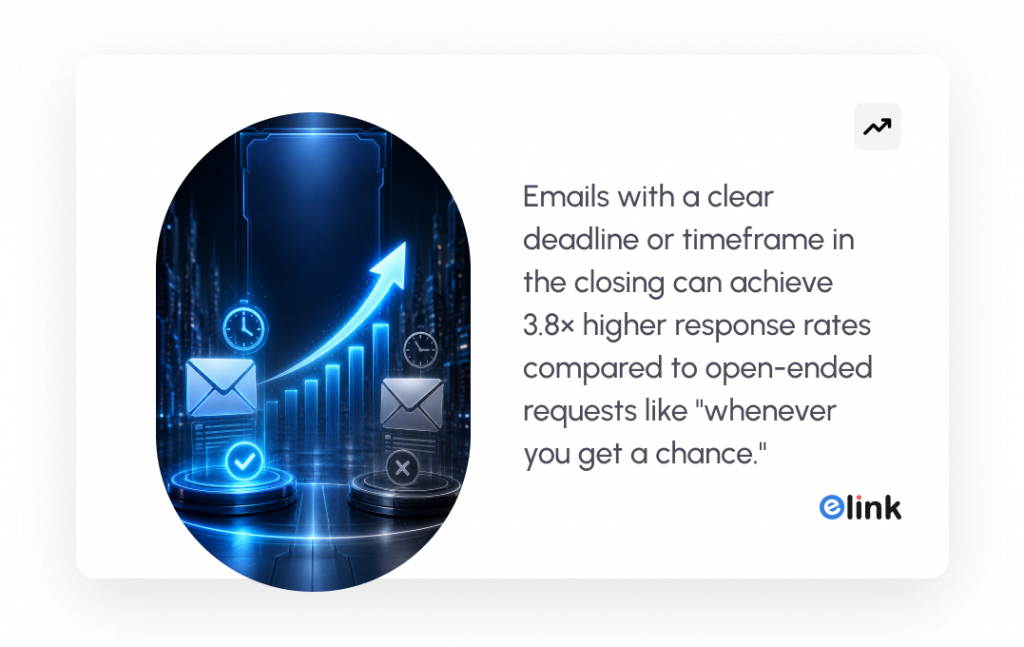
Instead of using vague phrases, such as “let me know” and “please get back to me,” a professional closing should clearly state what you need and when you need it.
By requesting specific timeframes such as feedback by “Friday” or requesting a “quick confirmation, your e-mail will be actionable and your request will be more easily understood.
4. Stay polite without overusing phrases
Politeness is important at the end of a professional email; however, overusing a polite expression (i.e. “thank you”) can make you sound insincere. When possible, use “thank you” only once; this will still convey the value of your appreciation while keeping the remaining portion of your closing clean and conversational.
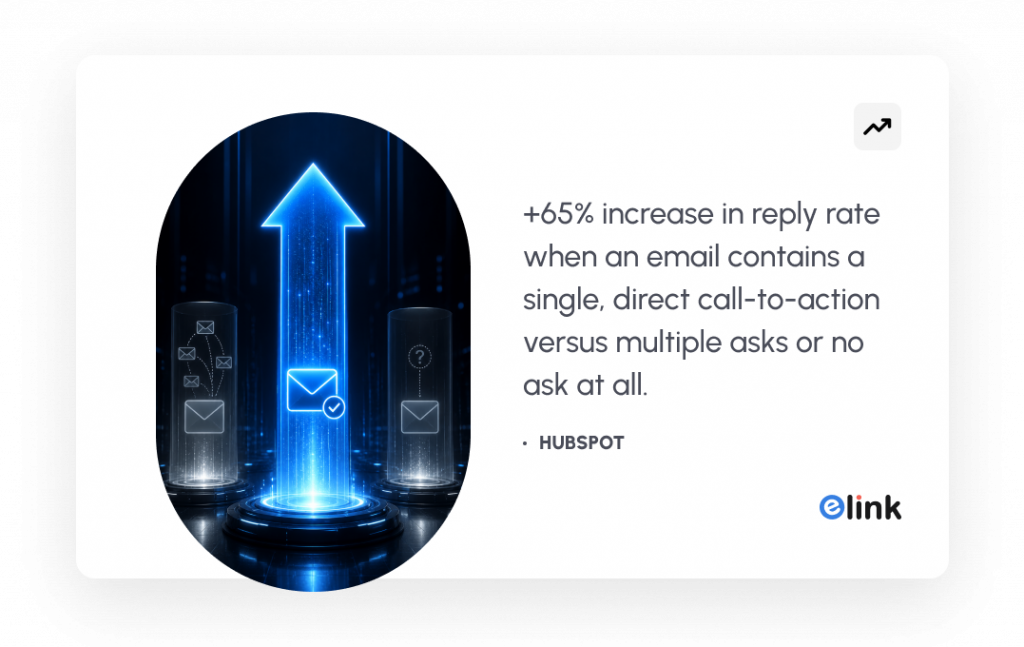
5. Include a clear next step in your email closing
If you expect the reader to take action, please address that in your closing line. The purpose of this line will be to inform the recipient of what you would like to see happen next, whether it be to schedule an appointment, review something, or confirm something.
When you provide a clear line outlining the next step, your email will be more effective and oriented on achieving its goal.
6. Proofread your email closing before sending
Do not forget to proofread your email before you send it. If you have even a slight error in your email or misspelled something, it will leave a negative impression and undermine any professionalism you have displayed.
So, take a moment to check your spelling, how you feel, and whether your message is clear or not, so that the action you want to achieve shows up strongly.
That’s it! That’s all you need to close an email professionally. Now, we have a little bonus for you to create amazing HTML newsletters in minutes. Read on.
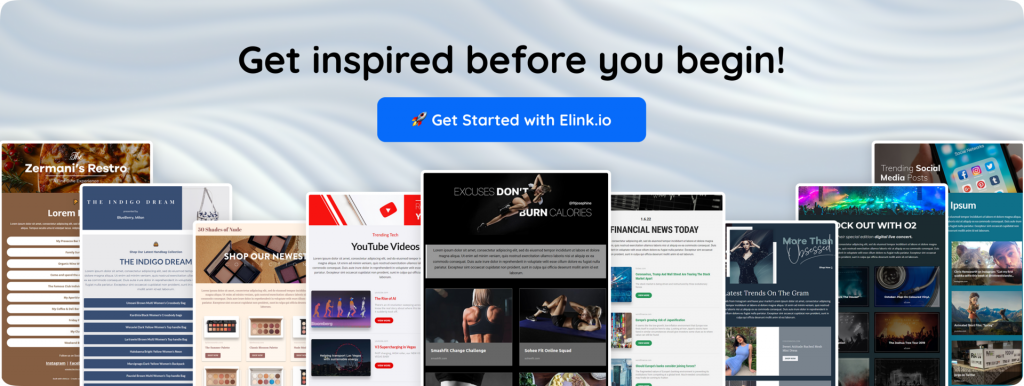
🎁 Bonus Tool: Create Stunning Email Newsletters with elink.io
If you’re serious about writing better emails, especially newsletters, then you shouldn’t be doing everything manually.
elink.io makes the whole process ridiculously simple. It is a content curation platform that lets you build newsletters, web pages, and social bio links in minutes. Instead of designing emails from scratch, you just add links, and it turns them into clean, professional-looking curated content in minutes.
Here’s why it actually works:
- Create email newsletters without design skills: You can build responsive HTML newsletters that work with Gmail, Mailchimp, and other tools, no coding needed.
- Turn links into beautiful content automatically: Just drop in articles, videos, or resources, and elink converts them into visual blocks with titles, images, and descriptions. You can share the content as a newsletter, web pages, or even embed it on your site, whatever works for you.
- Choose from ready-made layouts: With 50+ responsive templates, your emails instantly look polished and structured.
- Save time with automation: You can even automate newsletters using RSS feeds, so content in your webpages gets created and updated without manual effort.
What makes elink really useful is this: you focus on what to share, and it handles how it looks.
If you’re creating regular email content, newsletters, or curated emails, this tool can save you hours and make your emails look 10x more professional without extra effort.
Watch the video to learn more 👇
How to Close an Email: The Bottom Line
A lot of people put far too much thought into their email endings… or they just give little or no thought to the end of their emails at all.
But the truth is, this small part of your email quietly decides what happens next. Will they reply? Will they take action? Or will your email just sit there?
A good email closing doesn’t try too hard. It just feels natural. It clearly says what you want, keeps the tone right, and ends the conversation in a way that feels easy to respond to.
You don’t need perfect words. You just need to be clear and a little thoughtful.
So next time when you are ready to click the send button on your e-mail, take just a moment to review your closing. That little bit of effort could truly make a significant difference in how your e-mail will be received by the reader.
Happy emailing! ✉️
FAQs
What Are Some Professional Email Closing Phrases?
Common professional email closings include phrases like “Best regards,” “Kind regards,” “Sincerely,” and “Thank you.” The appropriate option is based on your tone like formal, semi-formal or friendly, but it must always be in line with the context of your message.
How Do You Close an Email When Asking for a Response?
To ask for some type of response, you can simply say one of the following: ‘I will await your response’, ‘Let me know your opinion’, or ‘I look forward to your reply.’ Doing this provides a reminder that you are expecting an answer and does not make you look pushy or rude while making the request.
When Is It Appropriate to Use “Thanks” as an Email Closing?
Thanks can be used in semi-formal or continuous conversations, particularly when you need some assistance or you are acknowledging something. In more official emails, you may replace ‘Thanks’ with ‘Thank you.’
What is the correct format for closing a professional email?
A professional closing would normally consist of a polite sign-off (such as Best regards), then your full name, and possibly your job title, company name, and contact information.
Keep reading & learning
- Email Etiquette: 17 Important Rules To Write A Professional Email!
- Email Personalization: Best Practices to Boost Opens & Conversions
- Email Deliverability: 10 Proven Strategies to Boost Your Inbox Rates
- Product Launch Email: How to Write Emails That Drive Sales