In ecommerce, maintaining customer interest and motivating them to shop again plays a key role in business growth. The smartest way to do that is by sending them a simple ecommerce newsletter. It is like a friendly note in the email inbox of your audience that reminds them of your new products, special offers, and when their favorite products are restocked.
You can just drop a quick email saying, “Hey! Your favorite store has new styles waiting for you!” It’s an easy and fun way to stay connected. That’s why we’ve come up with this blog to help you understand how to create these helpful e-commerce newsletters that get people clicking and buying.
Let’s begin with the basics of what an ecommerce newsletter actually is.
What is an E-commerce Newsletter?
An ecommerce newsletter is an email you send to your customers and subscribers regarding your online store. It informs people of what’s new in the store, what’s discounted, and what’s in the works soon. You can also notify them when a hot item returns to your shelves.
From online shops, small firms, to large retail brands, everyone uses ecommerce newsletters to remain connected with their clients. It keeps your customers updated and active, resulting in an increase in sales. No matter the size of the business, sending regular newsletters is a smart move.
Now that you understand what an e-commerce newsletter is, let’s explore why businesses rely on these e-commerce newsletters as a powerful promotion and marketing tool.
Read more: Best 20 Newsletter Platforms for Small Businesses and Startups
Why Use an E-Commerce Newsletter for Promotion and Marketing
So now that you know what an e-commerce newsletter is, you might be wondering, why bother sending one? Well, there are so many online shops these days, so you need a way to remind your customers that you’re here. Sending them an email newsletter is one of the easiest and cheapest ways to do that. Here are some reasons why you should use an e-commerce newsletter.
1. Share exciting sales and promotions
With the newsletters, you can quickly share any latest updates, sale notifications, and product releases directly into the inbox of your audience, without any inconvenience. The emails can even be automated and planned in advance so that no critical updates are lost.
2. Encourages brand loyalty
Let your customers know right away when the products that they have been wanting are restocked and ready to be purchased. This creates excitement, helps build trust, and makes them loyal to the brand.
Learn here: Customer Loyalty: 10 Powerful Strategies to Increase Revenue
3. Announce new products and restock
Newsletters make it easy to inform your consumers about the new product launch or to send a restock email. They take less time and effort compared to other marketing campaigns. You can promote your business and showcase limited-time offers, seasonal sale and restock products.
4. Low-cost marketing tool
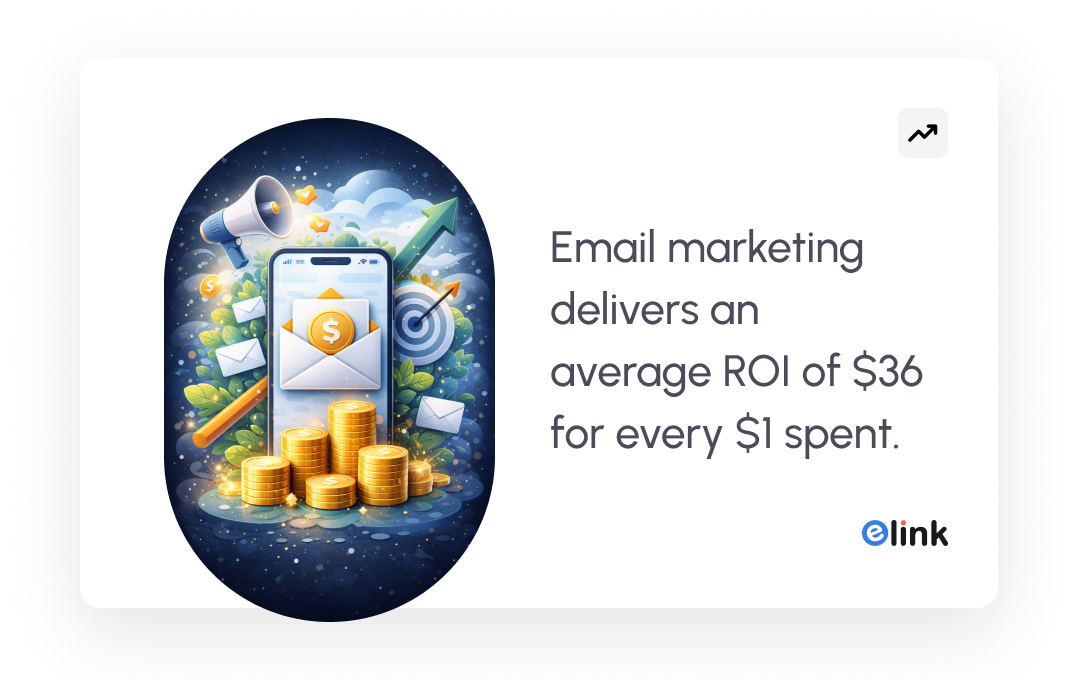
Sending newsletters is one of the cost-effective ways to talk to your customers. You don’t need to spend a lot of money like you would on ads or big promotions. With just a little time, you can send out emails to tell people about sales, new products, and exciting news, all without breaking your budget.

Now that you understand the importance of good newsletter design, the next step is to look at the specific elements that make a newsletter effective. These components help organize your content, improve readability, and encourage readers to take action.
Key Elements of an Effective E-commerce Newsletter
We know now how useful an e-commerce newsletter can be for any business. But if you want others to open your messages in inboxes and get excited about them, your design matters as much as your message. Below is a list of elements that make an excellent e-commerce newsletter design:
1. Title and banner image
In your e-commerce newsletter, include a catchy title informing people what the email is all about and a bright banner image at the top. These help draw the viewer’s attention immediately and make your email appear inviting.
2. Clear, bright images of products
Everyone loves viewing images, and good images will assist them in deciding whether to click and buy. Adding clear and bright images of your products is necessary to let your customers see the products easily.
3. Description text field
Write short, easy-to-read sentences about your products or offers for the readers in the text field. The text should be written in simple words and must provide basic information about the product. This way, anyone reading your email can quickly understand what you’re offering.
4. Call to Action button
Add large, prominent action buttons in your newsletter, such as “Buy Now”, “Shop the Sale”, or “See More”. This informs individuals precisely where to click next if they are interested. It simplifies shopping and makes it enjoyable by leading customers to the shopping page.
Read this: Newsletter Call to Action: Proven Ways to Get More Clicks
5. Footer section for links
Include a footer at the end of your email with your store’s social media links so individuals can follow you for news. Place an unsubscribe link so customers can opt out in case they wish to. This provides customers the liberty, as well as makes your e-commerce email marketing customer-friendly and honest.
6. Easy-to-read, responsive layout
Ensure that your newsletter is readable on any device. It also needs to be responsive on any device so the user can have a smooth experience. A messy, hard-to-read email may be closed in a hurry, so being simple and clean is actually very important.
Now that we’ve explored the key design elements that make an e-commerce newsletter effective, the next step is putting everything together. Let’s walk through how to create an e-commerce newsletter for promos and restock announcements. 📩
How to Create an E-commerce Newsletter for Promos & Restock
Ready to start creating your ecommerce newsletter? Use these four straightforward steps to create a newsletter your customers will enjoy and enhance your ecommerce promotion.
1. Choose What You Want to Share
Before you even start with your ecommerce newsletter, sit down and think about what message you want to send. Is it a huge weekend sale? A popular item back in stock? Or maybe a brand-new product your customers have been waiting for?
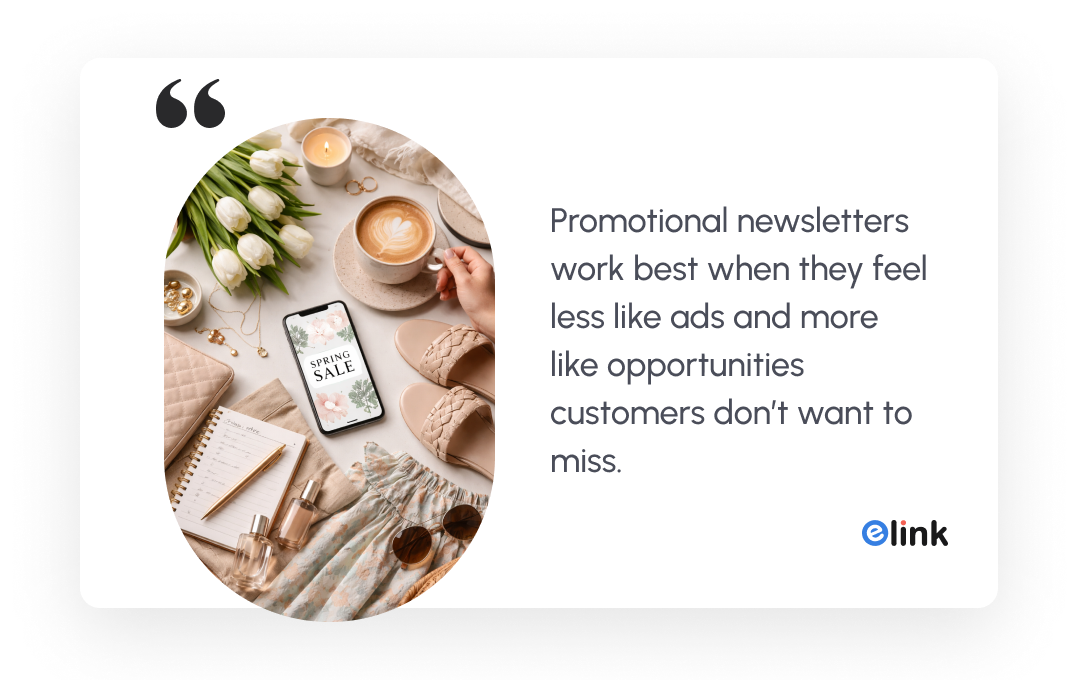
Pick one main topic to focus on in your newsletter. The message should be simple, making it easier for your readers to understand. It also helps to get them excited about what you’re offering. Avoid stuffing your email with too many topics, or your audience might get confused and ignore it.
2. Decide Your Target Audience
You don’t need to send every email to your entire subscriber list. Consider who would be most thrilled to learn about this news. If you are offering a product restock, send it to those who were interested previously. If it is a new sale, perhaps you can send it to your entire list.
Dividing your audience into segments helps you share the most relevant message with each group. It makes your emails seem more personal, such as a nice message to them, and this can result in more individuals opening and clicking on your emails.
3. Add Pictures, Text, and a Fun Subject Line
Use bright, high-quality product images to instantly capture your reader’s attention. Pair these visuals with short, clear descriptions that explain the value of your product or promotion so customers quickly understand what you’re offering.
Equally important is your subject line. It’s the first thing people notice in their inbox, so make it catchy and inviting. A strong subject line can encourage more people to open your email.
For example, you could use subject lines like: “New Styles Just Dropped!” or “Back in Stock: Shop Your Favorites!” 📩✨
4. Choose the Right Time to Send
Select a time when your customers are likely to open their mail. Most shops send mail in the morning or at night. Experiment with different times and days and check what works for your audience. Sending at the right time will result in more individuals opening and reading your mail. Plus, you can create time-sensitive content to create urgency to open the newsletters and get more engagement.
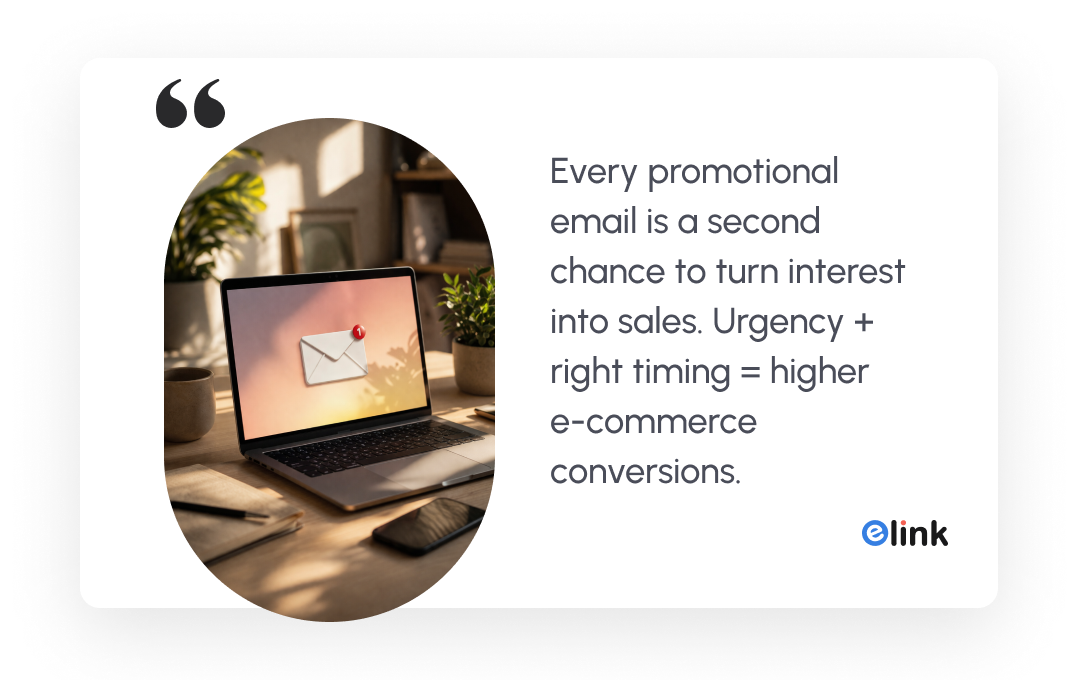
Once you know how to create an ecommerce newsletter for promotions and restock announcements, it’s also important to follow certain design practices that make your emails more effective. Small improvements in layout, content placement, and readability can significantly increase engagement and clicks.
Let’s explore some best practices to design an e-commerce newsletter. 📧✨
Before that, check this: The Best Time to Send Newsletters for Maximum Engagement
Best Practices to Design an E-commerce Newsletter
You might be thinking, “Okay, I’ve created my ecommerce newsletter.” But here’s the thing, just creating it isn’t enough. To really get people to open, read, and click, you’ve got to follow a few best practices that make your newsletter work.
✅ Send Restock Emails Quickly
Whenever a product that people love is back, send them an email right away. People get excited when they see their favorite things are available again. It makes them happy, and they might buy it fast before it sells out.
✅ Mention How Long a Sale Will Last
If you are sharing a newsletter about a big sale, always tell people how long it’s going to last. If customers know they only have one or two days to grab the deal, they will hurry and shop. No one likes to miss out on good, money-saving products.
✅ Tell a Little Story About Your New Product
When you have something new, don’t just say “New product out now.” Tell a fun, short story about it. Maybe where the idea came from, or what makes it special. People love stories, and it makes them more excited to check them out.
✅ Tease New Products Before They Launch
Before you release something new, send a tiny sneak peek of the product just a few days before the product launch. This makes people curious and excited, and they’ll keep watching for your next email.
✅ Keep Your Newsletter Simple and Clear
Don’t put too many things in one email. The newsletter must have a catchy title and big clear pictures. Also, write the descriptions in simple and easy words. People like emails that are quick to read and easy to understand.
👉 Pro Tip: Always collect email addresses from your website visitors by offering a small discount, free shipping, or a special gift for signing up. This will grow your subscriber list and give you more people to reach with your e-commerce promotions!
Well, creating an ecommerce newsletter sounds simple, but in reality, many businesses struggle with it. Gathering product updates, organizing links, formatting content, and making the newsletter look clean can quickly become time-consuming. Without the right tool, the process often feels messy and inefficient.
This is where a smart content curation tool like elink.io can make things much easier. In the next section, we’ll explore how you can use elink.io to take your newsletters creation journey to the next level.
Elink.io: Your Go-To Tool for Ecommerce Newsletter
Need an easy way to make a great-looking ecommerce newsletter? Try Elink.io. Elink.io is an all-in-one content curation and newsletter creation tool that helps individuals and businesses collect web links and turn them into visually appealing content such as email newsletters, web pages, social bio links, and curated resource collections.
Here are some amazing features that you’re going to love about elink.io
- Ready-made templates – Pick from over 50+ ready-made, professional templates designed to showcase products beautifully.
- Convert links into visual content – Simply add product pages, blog posts, or web links and Elink automatically converts them into attractive visual blocks with images, titles, and descriptions.
- Easy newsletter creation – Quickly curate multiple links and turn them into a clean, organized ecommerce newsletter that you can share with your subscribers.
- Content automation with RSS feeds – Automatically pull content from RSS feeds so your curated pages stay updated without manual work.
- Multiple sharing options – Publish your curated content as a web page, embed it on your website, or share it through email marketing tools like Gmail and Mailchimp.
- Team collaboration – Work with your team to curate, edit, and organize content together, making newsletter creation faster and more efficient.
- Responsive design – All newsletters and pages created with Elink are mobile-friendly, ensuring they look great on phones, tablets, and desktops.
In short, Elink.io is perfect for anyone who wants to save time and still send out eye-catching, awesome-looking ecommerce newsletters without needing to be a tech expert.
Watch the video to learn more:
Key Takeaways
At the end of the day, a good ecommerce newsletter is not just an email sitting in a mailbox. It is a way to stay connected with your customers virtually. This marketing strategy helps people feel special and makes them loyal customers of the business. Newsletters help you keep your audience interested and make them shop more from your store.
The best part is, you don’t need to be a designer or tech expert to make one. With easy tools likeElink.io, you can create clean, fun, and great-looking newsletters in just a few minutes. From choosing a good template to adding pictures, descriptions, and links, everything is easy and quick to do. Give the e-commerce newsletter a try; you might be surprised how much your customers will love hearing from you!
FAQs
How do I design an effective e-commerce newsletter?
To design a great ecommerce newsletter, keep it clean, simple, and friendly. Use bright product images, short and clear text, and a bold button like “Shop Now”. Always pick an easy-to-read ecommerce newsletter design or use ready-made templates from tools like Elink.io to save time and make your emails look professional.
What is the best strategy for ecommerce email marketing?
The smartest strategy for ecommerce email marketing is to mix things up. Send sale announcement emails, restock emails, and product announcements regularly. Keep your emails personal by using your customers’ names and offering special deals based on what they like. A mix of promos and friendly updates keeps people opening your emails.
What steps should I follow to create a product launch strategy for email and push campaigns?
Preparation for launching a new product via email and push campaigns includes creating launch goals as well as identifying the intended market. After these objectives have been set, you will segment your subscribers into groups and send them custom messages based on those segments. To build anticipation for your launch, send teaser emails, then send your launch announcement email on the day of launch, and then send additional emails highlighting the value of the new product. Finally, track campaign performance to improve future launches.
Can I use templates for ecommerce email and push notification campaigns?
Yes! The easiest way to run ecommerce email campaigns and push notifications is by using simple templates. Elink offers ecommerce newsletter designs and notification templates you can fill in quickly. It saves time and keeps your emails looking clean and professional.
Keep reading & learning
- How to Create a High-Converting B2B Newsletter in Minutes
- 7 Types of Emails You Must Send to Your Customers!
- Email Retargeting 101: How to Win Back Lost Customers
- Customer Feedback: Turn Insights into Business Growth