Most of us spend hours creating content for social media posts, reels, and carousels, yet so much of that work disappears into the feed and is gone before anyone really notices. Kind of wild when you think about it. Email, on the other hand, is a space where people slow down. They actually read, click, and pay attention.
So here’s the thing: If you take what is already gaining engagement through your social media channels and bring it into your emails, everything gets easier. Your newsletters feel fresher. Your ideas flow faster. And you stop staring at a blank screen every time you need to send a campaign.
Repurposing social media content is very simple, practical, and honestly, one of the most underrated ways to level up your email marketing.
And before we get into the “how” to do it, let’s pause for a second and talk about why this combo works so well in the first place. Because once you see the logic behind it, the entire strategy starts to feel almost obvious.
Why Combine Social Media Content With Email Marketing?
Social media moves fast. One minute, your post is grabbing attention, and the next, it’s buried under everything else people scroll past. Email is the opposite. It slows the pace. It gives your content a longer life and a space where people actually sit with what you’re saying.
That’s why pairing the two works so well.
When you reuse your best social posts in your emails, you’re not just saving time, you’re amplifying what already connects with your audience. If a reel, carousel, or tweet sparked comments or shares, that’s a sign your subscribers will probably enjoy it too.
Plus, not everyone sees your social content (thanks to unpredictable algorithms), but they will see it in their inbox. It’s a simple way to keep your message consistent across platforms while reaching people you might’ve missed.
And honestly, it also builds trust. When subscribers see real reactions, conversations, and content pulled from your social channels, your emails feel more authentic and less like another sales pitch.
In short, you get more impact from the same content, your emails feel more alive, and your audience stays connected with you wherever they are.
So, how do you actually make this happen? Let’s dive into some practical ways to repurpose your social media content and turn it into engaging, scroll-worthy emails.

Read More: How To Keep Up on The Social Media Trends in 2026
Best Ways to Repurpose Social Media Content for Email Marketing
Most people treat social media and email like two separate worlds, but these two types of media have the ability to work together to create a greater experience for the user.
The content you create for social is fast, visual, and easy to digest, perfect for catching attention. Email gives you the space to slow things down and add a little more depth. Combining both platforms provides the user with the best of both: ideas that hook people instantly and messages that stay with them longer.
Let’s break down a few practical, no-stress ways to repurpose the content you’re already creating.
1. Turn Your Best Posts Into Newsletter Highlights
Every creator has those posts that got people talking, the ones that get saved, shared, or spark a ton of comments. Instead of letting those moments fade away on your feed, bring them into your newsletter where they can live a little longer.
It’s an easy way to fill your newsletter with content your audience already responds to, without starting from zero every single time. Plus, readers enjoy seeing familiar posts in a slower, more thoughtful format, especially if they missed them on social.
Here’s how you can do it:
- Pick high-engagement posts. Anything with strong likes, shares, or comments usually means the topic resonated.
- Use screenshots or quick summaries. A simple screenshot of a tweet, a reel cover, or a carousel slide works perfectly. You can also rephrase the original caption into a short, clean explanation for email readers.
- Add a small personal note. Something like “A lot of people loved this tip last week, so I wanted to share it here too.” It feels natural and gives context for readers who missed it on social.
- Link back to the full post. This helps drive traffic back to your social channels and keeps everything connected.
This approach not only saves you time, but it also gives subscribers a curated roundup of your best ideas, no endless scrolling required. And honestly, people love these little highlight sections. They feel casual, useful, and easy to read… exactly what a good email should be.
Pro Tip: Add a fresh takeaway or quick update when repurposing the post, so newsletter readers get extra value, not just a repeat.
2. Use Customer Testimonials and UGC From Social Media
The best way to increase the credibility of your business or personal brand is by having real people talk about their experiences. And social media is full of these moments: someone tagging you in a story, a thoughtful comment under a post, a quick reel of them unboxing your product, or even a simple “This really helped me!” message. These pieces of content feel honest in a way polished marketing copy never quite can.
Bringing that authenticity into your email marketing is powerful. You can take a story mention, a happy comment, or a short review and weave it into your newsletter as part of a larger message. Sometimes, even a single screenshot can do more than a whole paragraph of brand-written text.
For example, if a customer shared how your product solved their problem, you can turn that into a mini success story, explain what they were struggling with, what they tried, and how things changed for them. It feels more personal, more grounded, and your readers can see themselves in that situation.
User-generated photos or quick reels work really well, too. They break up a text-heavy email and instantly make it feel more relatable. And whenever you share someone’s content, adding a small credit like their handle (with permission, of course) makes the interaction feel genuine and respectful.
At the end of the day, emails that feature real customers don’t just “sell”, they build trust. When subscribers see people like them using and enjoying your product, the message lands naturally without feeling forced. It’s one of the easiest ways to make your emails warmer, more credible, and more human.
Bonus read: Why your link in bio matters once your social posts start getting attention.
3. Embed Short Videos or Reels in Emails
Short videos and reels are some of the most engaging pieces of content you create on social media. They’re quick, fun, and easy to digest, exactly the kind of thing people love to click on. Bringing them into your emails is a simple way to make your campaigns feel more dynamic without doing extra work.
Just create a short GIF preview, a still frame with a play button, or even a quick teaser that works just as well. The goal is to give readers a small taste and then send them to the full video on your social page or website. This not only boosts engagement but also creates a natural bridge between your email audience and your social followers.
These little video moments can be anything: a product demo, a behind-the-scenes clip, a quick tip, or even a reel that did surprisingly well last week. When people open an email and see movement, something visual, something alive, they’re far more likely to click.
And the best part? You’re not creating new content. You’re simply extending the life of what you already made. A reel that lived on Instagram for 48 hours suddenly gets another round of attention inside your newsletter, where people actually slow down and watch.
Short videos make your emails feel fresh and modern, and honestly, they add a touch of personality that static images sometimes can’t capture.

4. Share Social-Only Deals or Announcements
Every now and then, you may post on social media platforms like Instagram or X (Twitter) that creates excitement for your brand (for example, flash sales, quick news alerts, limited-time products). These posts usually create a little buzz, but they vanish fast in the feed. Adding them to your emails gives those moments a second life and helps you reach people who might’ve missed them on social.
You don’t have to overthink it. A simple, “If you missed this on Instagram last week…” works beautifully. It feels personal and keeps your email list in the loop. Plus, it creates a nice balance between your channels: social gets the first look, and email gets the follow-through.
These updates also make your emails feel more current. Readers love knowing they’re getting real-time news, not something planned months ago. And when subscribers realise your emails often include deals or timely updates, they start opening them a lot more consistently.
5. Add Social Polls, Q&As, and Trends to Your Newsletter
Social media is where your audience talks back, through polls, replies, questions, and even those spontaneous “What do you think?” threads. All of these conversations are gold for your newsletter because they show what people actually care about.
You can take the results of a quick poll, for example, and share the story behind it. Something like, “We asked you on Instagram what your biggest challenge was, and here’s what most of you said…” instantly makes your email feel interactive, even though the poll happened elsewhere.
The same goes for Q&As. If followers asked great questions in your comments or stories, pick a couple and answer them in your email with a bit more detail. It makes the content feel fresh and gives your newsletter a conversational tone—almost like you’re chatting with your readers rather than lecturing them.
Trends work well, too. Maybe a topic was suddenly everywhere on TikTok, or a discussion took off in your comment section. Bringing that into your email shows you’re paying attention to what’s happening right now, not just sharing polished marketing lines.
All of this makes your newsletter feel more alive, rooted in real interactions, real questions, and real conversations happening in your community. It’s one of the easiest ways to make your emails feel more human without adding extra work.
Read More: Stay updated on fast-changing social media trends by following trusted creators, testing new features early, and tracking what’s gaining traction across platforms.
6. Turn Carousels and Threads into Educational Email Sections
Carousels and long threads are where you usually unpack your best ideas. They’re structured, easy to skim, and packed with useful tips, perfect for turning into small educational sections inside your emails.
Instead of trying to recreate the whole carousel, pull out the core idea and expand on it a little. For example, if you shared a “5 quick tips” to post on Instagram or LinkedIn, you can turn that into a short, thoughtful paragraph or a simple step-by-step breakdown in your newsletter. It feels more complete and gives readers a cleaner version of something they may have scrolled past too quickly.
Threads work the same way. They’re great for turning into mini lessons or “thought of the week” sections. You already did the hard work by organising the idea on social, now you’re just giving it a calmer, more permanent home.
This approach not only saves time, but it also helps you build a reputation for sending genuinely useful emails. People love newsletters that teach them something without overwhelming them, and carousels/threads translate perfectly into that format.
Read more: How to Turn Ordinary Posts into Highly Shareable Content
7. Promote Your Social Channels Inside Your Emails
Emails and social feeds don’t have to live separate lives. When you casually bring your social content into your newsletters, it reminds people there’s more happening outside their inbox. And if they already enjoy your emails, they’re usually happy to follow you elsewhere.
You don’t need a big flashy banner or a pushy CTA. A simple line like, “We shared a quick breakdown of this on Instagram yesterday, here’s the link if you wanna check it out,” feels genuine and doesn’t interrupt the flow. You can also mention a recent reel, a helpful thread, or a discussion happening in your comments to subtly guide readers back to your social pages.
This creates a healthy loop: email subscribers discover your social content, social followers sign up for your emails, and both channels grow together. Plus, it gives your audience more ways to stay connected with you, whichever platform they prefer.
When done naturally, this cross-promotion doesn’t feel like marketing. It feels like an invitation to join you in another space where the conversation continues.
Now, to make this process effortless and polished, tools like elink.io can help you repurpose your social media content into engaging, ready-to-send email newsletters. Want to see how? Read on.
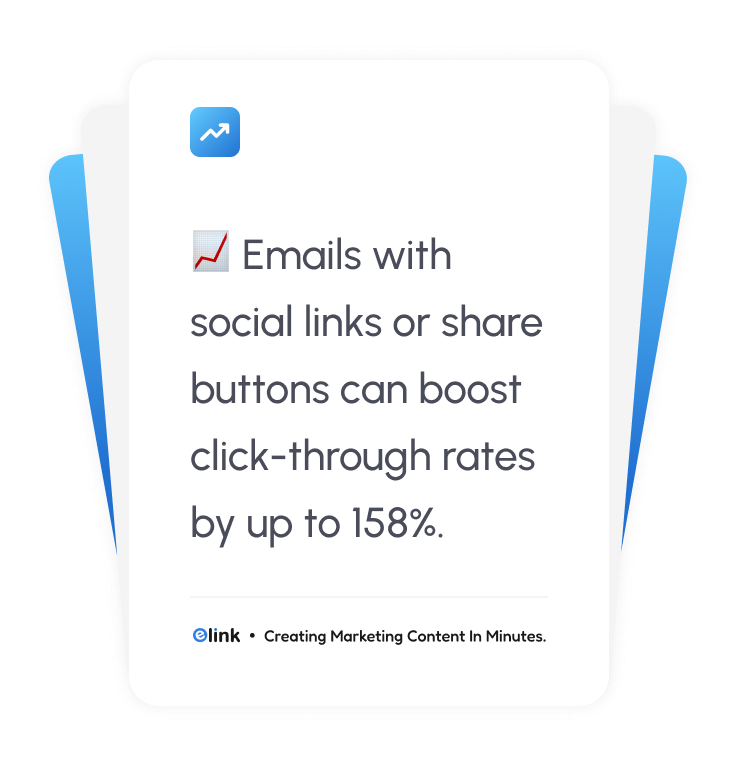
Quick fact: Emails with social links or share buttons can boost click-through rates by up to 158%, helping your social channels get more visibility directly from the inbox.
Repurpose Social Media Content with elink.io
It is a harsh truth to accept that most of us pour hours into social media content, but then it disappears into the feed almost immediately. Posts that generated high levels of engagement are forgotten almost instantly. That quick reel that had people commenting like crazy? Buried. It’s kind of frustrating, right? You already created something great, so why let it fade away?
This is exactly where elink.io comes in. Elink.io is the smartest content curation platform built for marketers who want to get more out of their existing content. Instead of copying posts manually, trying to format the posts nicely, and stressing about how it’ll look in email, elink.io lets you collect everything in one place and turn it into clean, attractive, scroll-friendly newsletters. Your emails suddenly look polished without hours of work, and your best social content gets a second life.
Here’s why elink.io is so handy:
✅ Curate Content in One Place – Whenever you see content online that you want to include in your newsletter, you can save it instantly without leaving your browser using the bookmark extension of elink.io. You can also integrate RSS feeds, which is perfect for automatically pulling in the latest updates from blogs, news sites, or other sources you follow.
✅ Add Context Easily – It’s one thing to copy a post into an email, but without context, it might confuse your readers. elink lets you add captions, explanations, or notes quickly, so your subscribers understand why it matters, even if they missed the original post. You can expand on a tip, summarise a thread, or highlight a key point without extra formatting headaches.
✅ Attractive Layouts Automatically – You don’t need to be a designer to make your emails look professional. elink automatically formats your curated content into clean, scroll-friendly sections. Whether it’s images, text, or videos, everything looks polished and visually appealing, so your newsletterfeels engaging and easy to read.
✅ Seamless Export Options – After your content is complete, you can either forward it to your email provider or embed it directly into your website. No need for copy-pasting or reformatting, it’s just a smooth, one-step process that saves a ton of time.
✅ Professional Templates – If you send newsletters regularly, this is a game-changer. You can use pre-designed layouts and reuse them for future campaigns. That means every week or month, you can plug in new social content without starting from scratch, keeping your emails consistent and professional while saving hours of work.
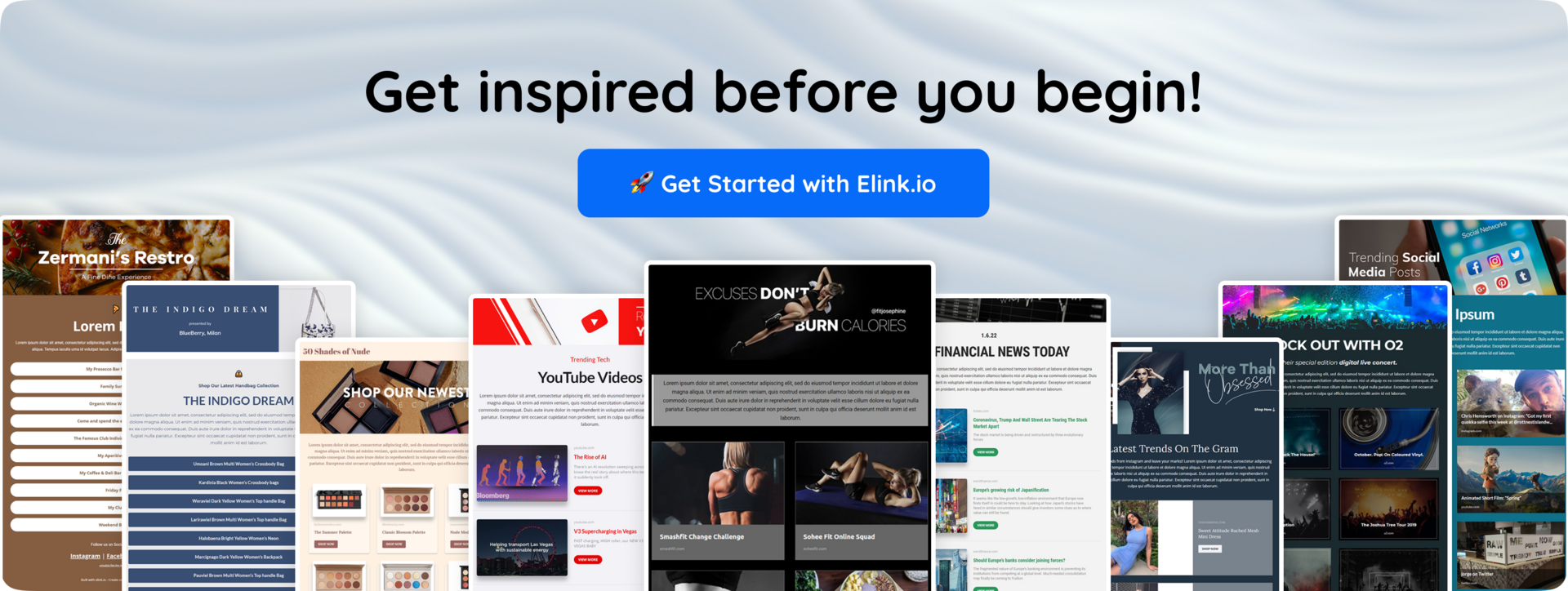
Using a tool like elink.io doesn’t just save time; it helps your emails look more professional, keeps your messaging consistent, and boosts engagement because your content is presented in a way people actually want to read. Honestly, for marketers who are juggling social and email, it’s one of the easiest ways to make sure nothing you create goes to waste.
Final Words
If there’s one thing to take away from this blog, it’s that you don’t need to create new content every time you open your email editor. You’ve already done the hard work on social: your ideas, your visuals, your stories, they’re all sitting there, waiting to be used again in a smarter way.
And honestly, repurposing isn’t some marketing trick. It’s just practical. It keeps your emails alive with real conversations, real moments, and content your audience has already shown interest in. You’re simply giving your best work a longer life.
If you ever feel stuck or overwhelmed, tools like elink.io make the whole process a lot easier. You can pull in your social posts, bundle them neatly, and turn them into clean, shareable newsletters without spending hours formatting everything. It’s a small thing, but it saves a surprising amount of time.
Thanks for reading, hope you found some ideas you can try today!
FAQs
How can social media content be reused for email marketing?
You can take high-performing posts, reels, or threads and feature them in your newsletters. Customer comments or story mentions can become mini testimonials, while trending topics or polls can be shared as tips or interactive sections. It’s a way to give content a longer life and reach readers who might’ve missed it on social.
Why is social media content useful for email campaigns?
Social content is already designed to engage people, so it’s proven to work. Repurposing it saves time, keeps your emails relevant, and adds authenticity. Using real posts, comments, or interactions makes your newsletters feel more human and trustworthy.
What types of social media content work best in emails?
Short videos, reels, carousels, and educational threads usually translate well. Customer-generated content like reviews, testimonials, or photos is highly effective. Even polls, Q&As, or trending discussions can be adapted to spark interest and interaction.
Can social media help grow an email subscriber list?
Social media isn’t just for likes and comments; it’s a great way to get people onto your email list. You can use posts, stories, or reels to share exclusive tips, behind-the-scenes content, or special deals that are only available via email. Even a simple, friendly call-to-action like “Want the full guide? Sign up for our newsletter!” can turn casual followers into loyal subscribers who actually open your emails.
Keep Reading & Learning 📚
How to Use Email Marketing for Effective Content Distribution
How to Advertise on Social Media: Complete Step-by-Step Guide
Customer Loyalty: 10 Powerful Strategies to Increase Revenue
How Cross-Posting Expands Your Social Media Game!
Master Social Media Branding With These Strategies & Steps!